🐞 Found a bug? Let us know

Beautiful Kids' Party 
Invitations and Venue Search, Made Simple

Find a venue, create a beautiful invite, and see who's coming — all in one place. No spreadsheets, no WhatsApp chaos, no chasing replies. First time planning a party? Don't worry — we'll walk you through every step.

✓ Set up in minutes ✓ 200+ UK venues ✓ Guests reminded 3 days before ✓ Free forever ✓ No app needed
See it in action

Here's the whole thing — four simple steps, from venue to party day. Easier than it looks, promise.

STEP 00

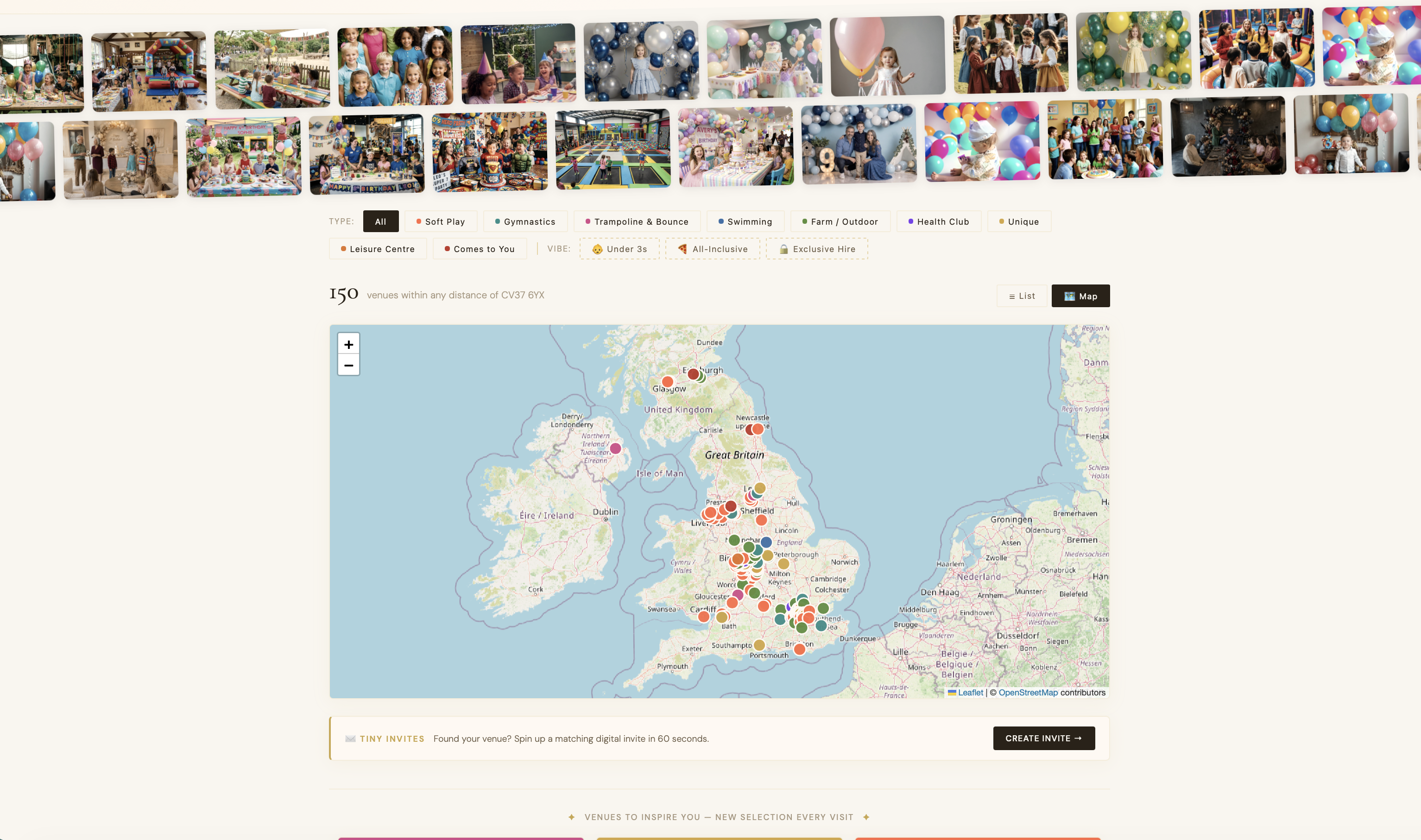
Find your perfect party venue

Browse 200+ UK party venues by location and type — soft play, trampoline parks, swimming, outdoor adventures and more. Filter by age, price, and distance.

Party Finder venue search
STEP 01

Create your invite in 30 seconds

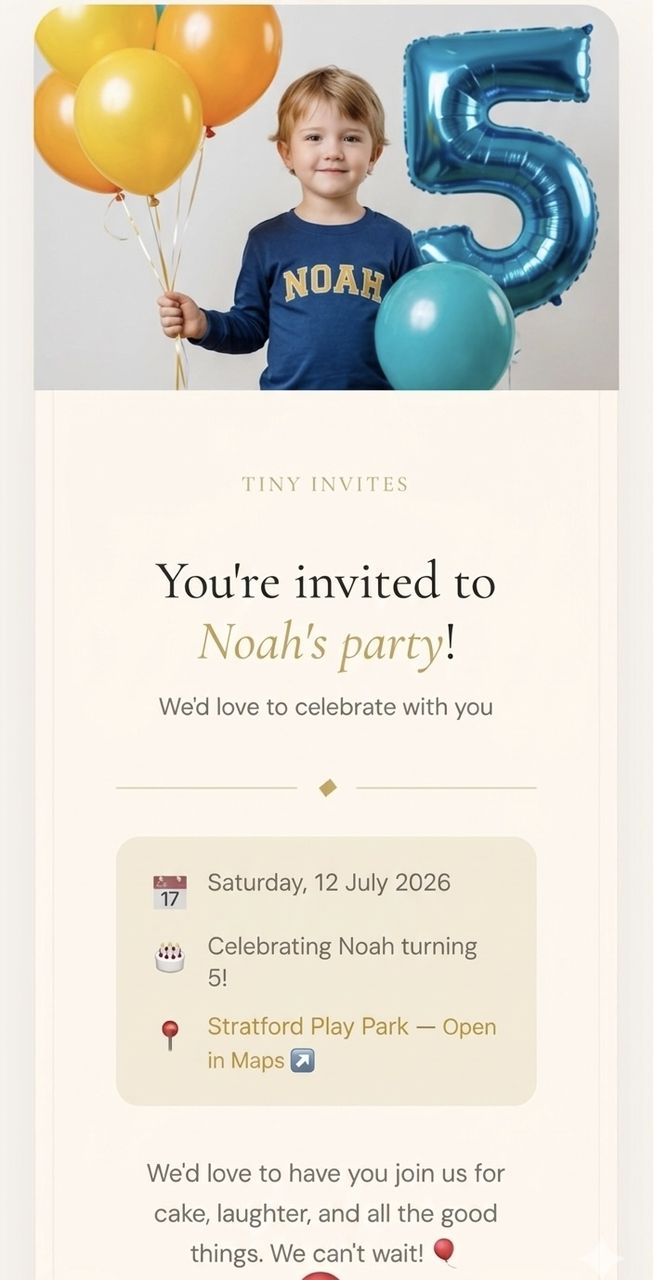
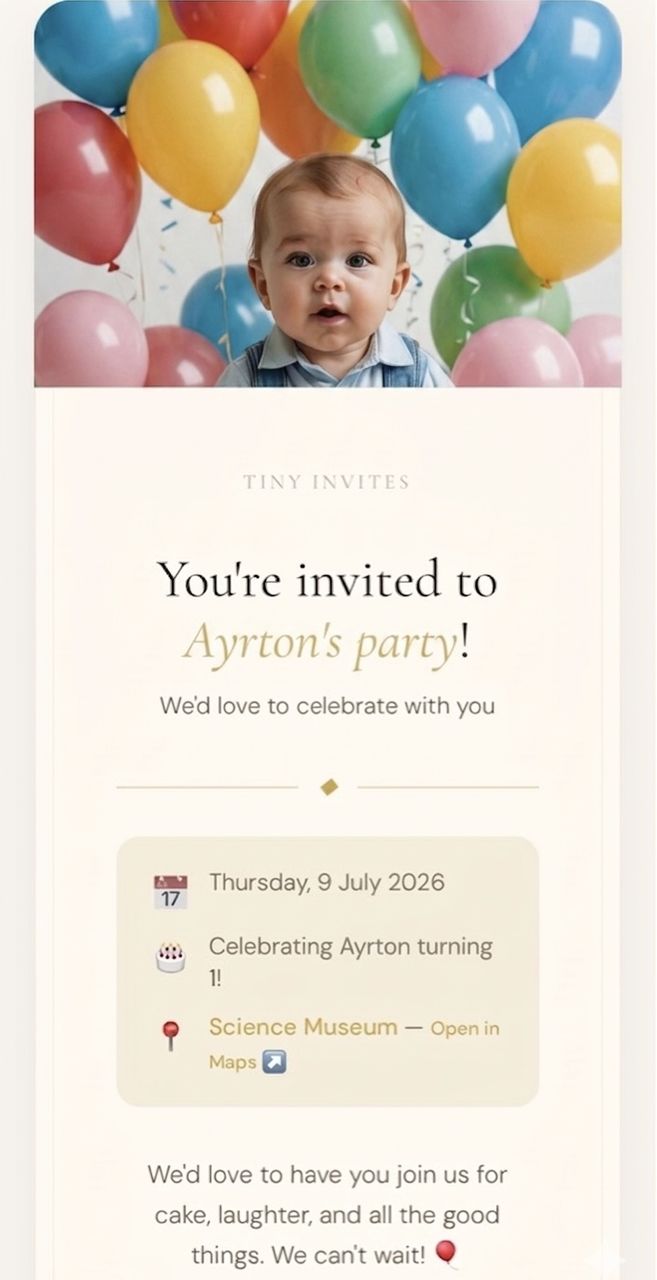
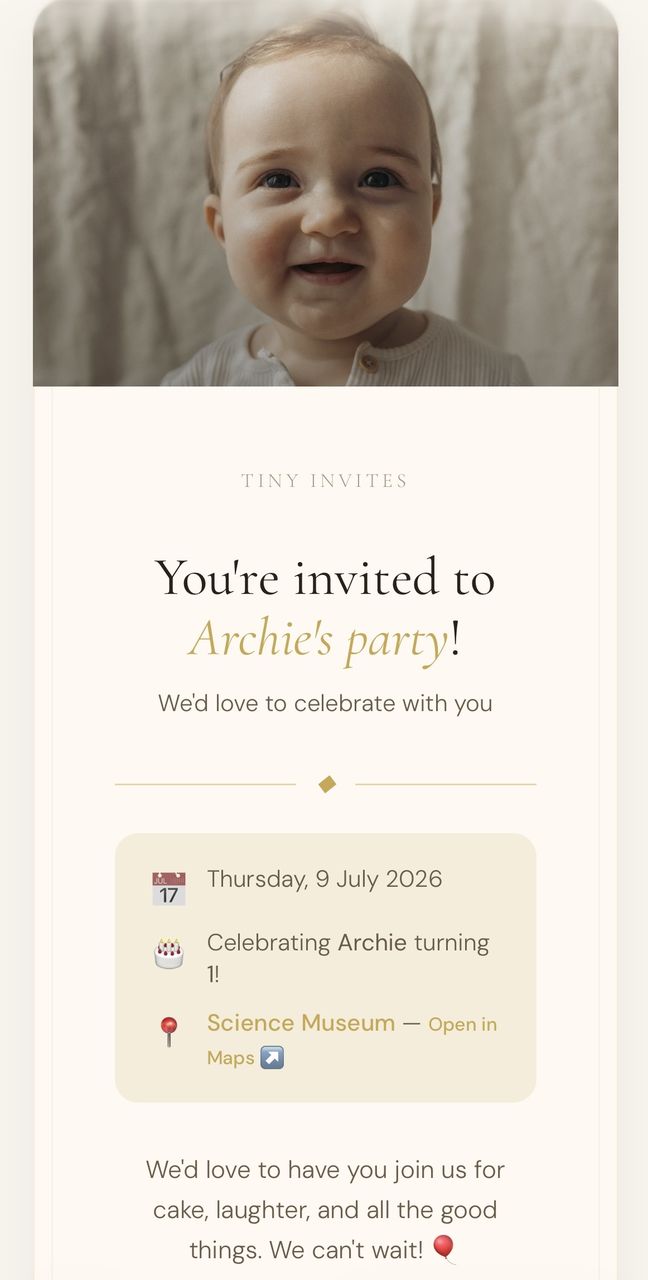
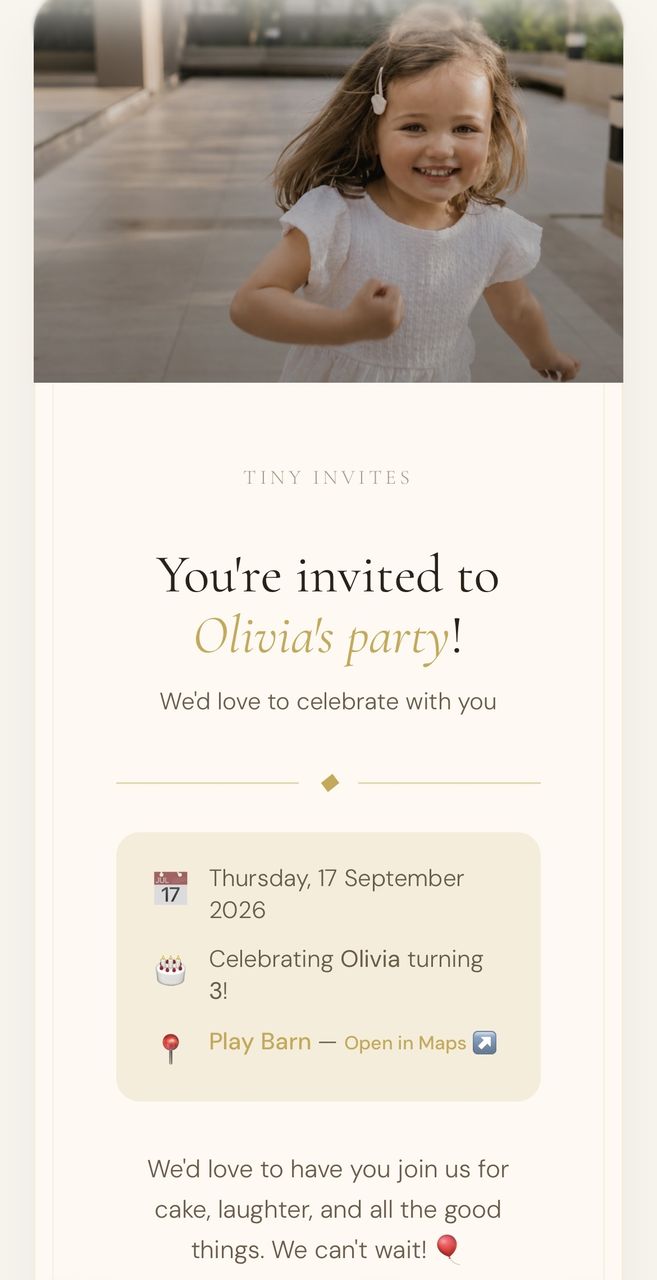
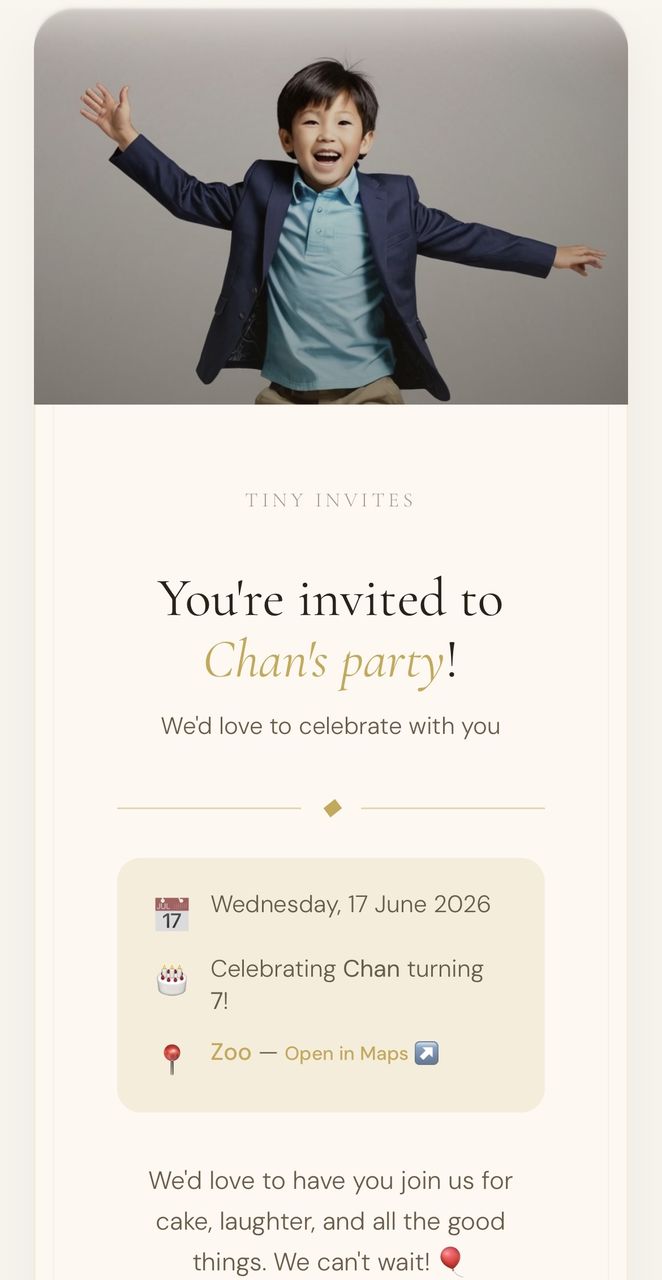
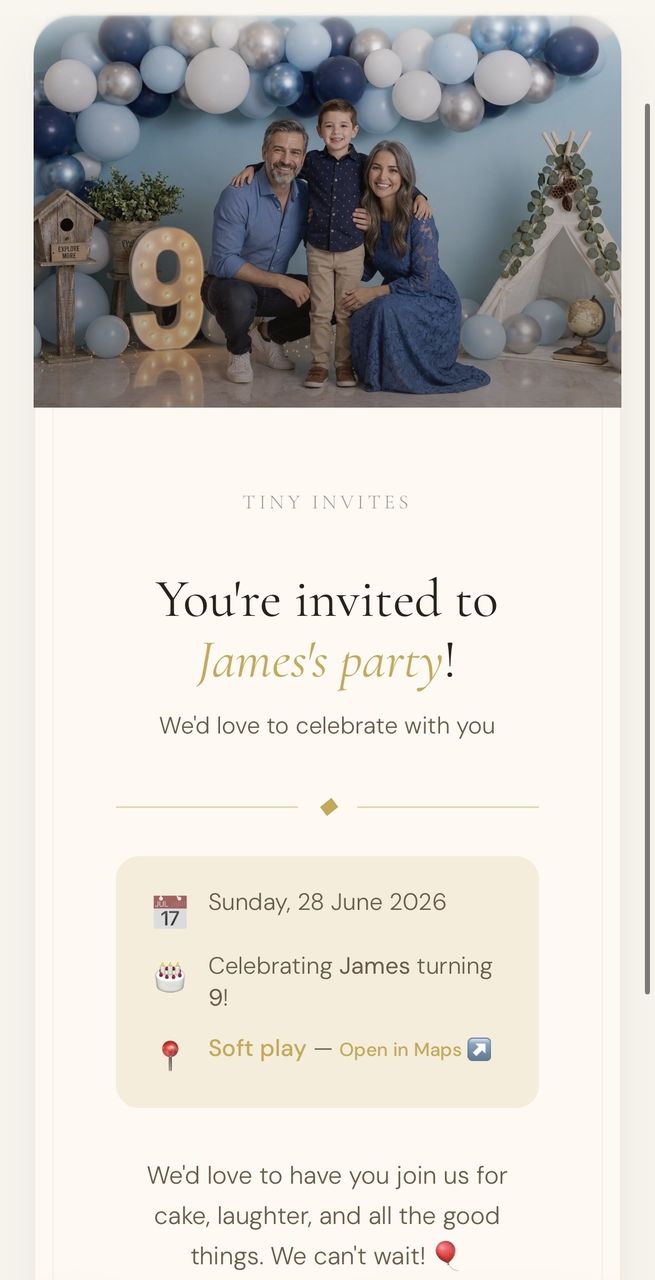
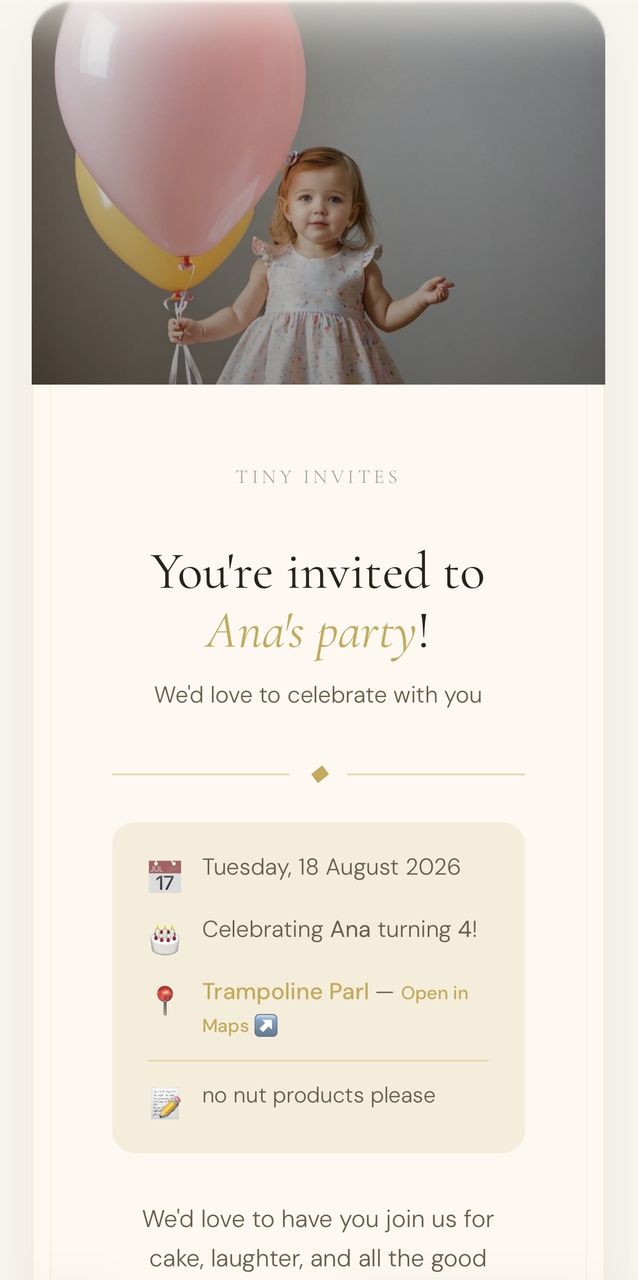
Enter your child's name, age, and party location. Add a photo if you like. You'll get a unique invite link and QR code instantly.

Olivia's 5th Birthday

Create invitePreview
STEP 02

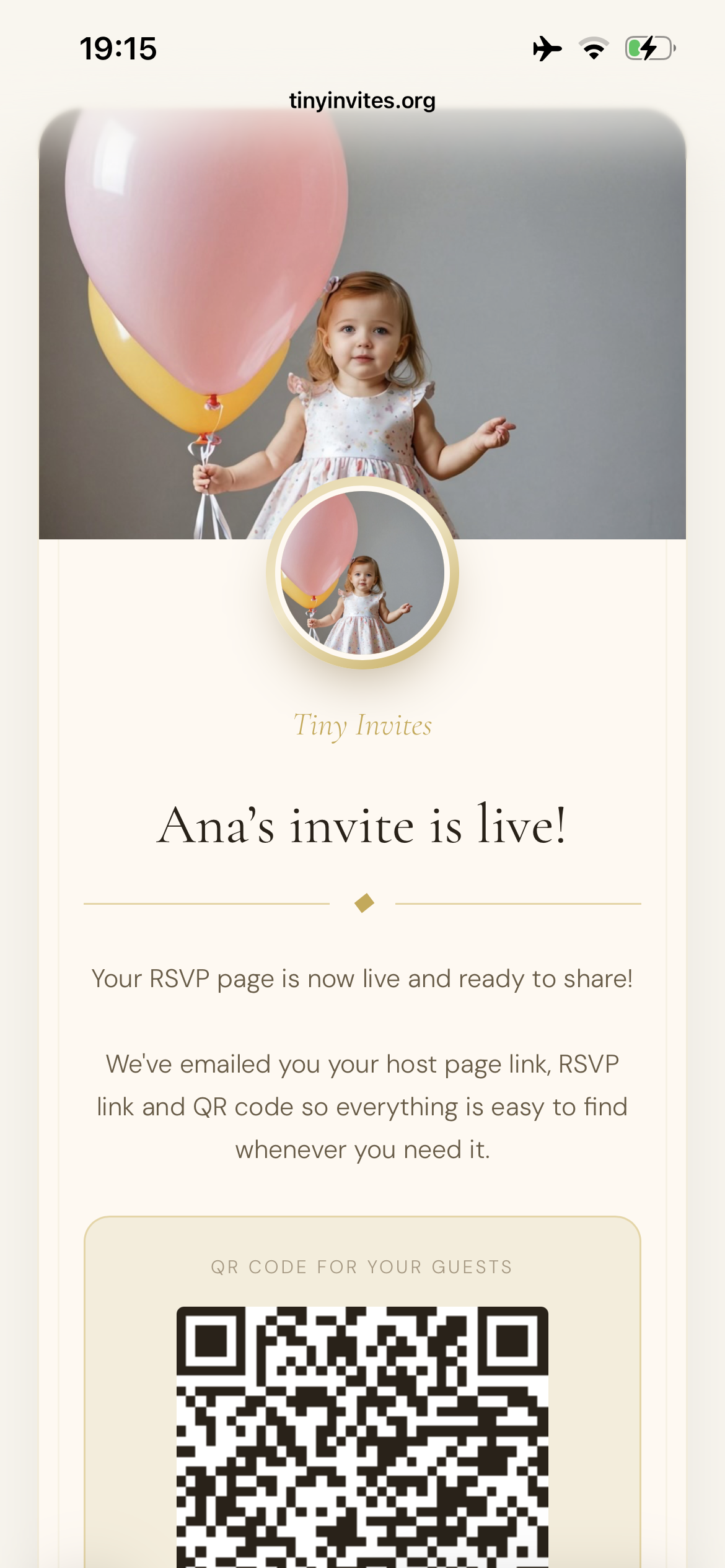
Share the link or print the QR code

Send your unique link via WhatsApp, text, or email. Or print it on invitation cards — guests scan to RSVP instantly.

Share invite

Copy linkQR code
STEP 03

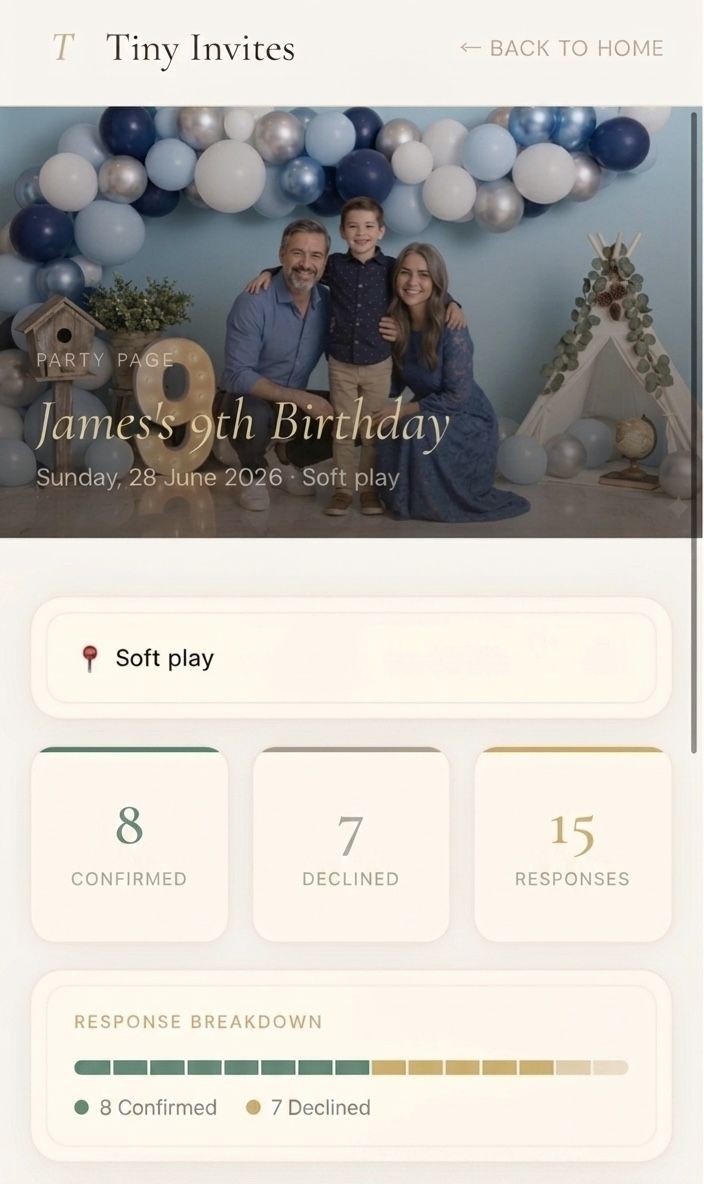
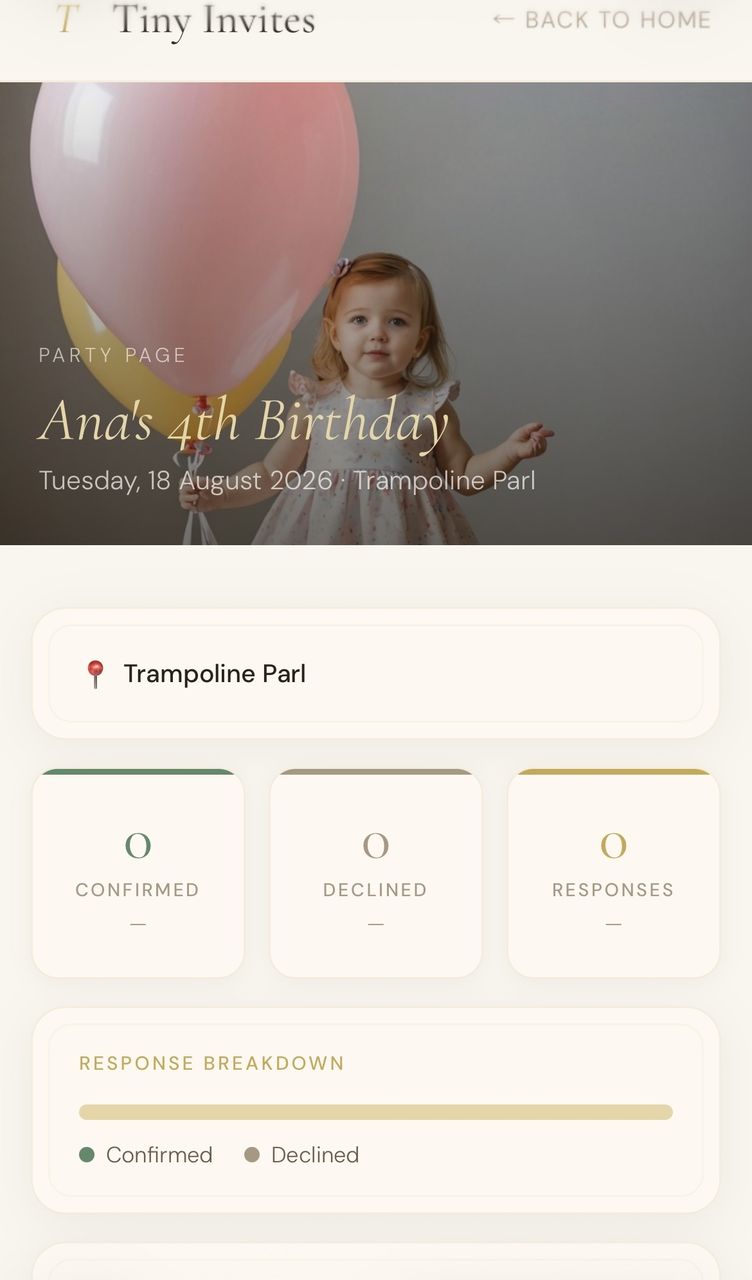
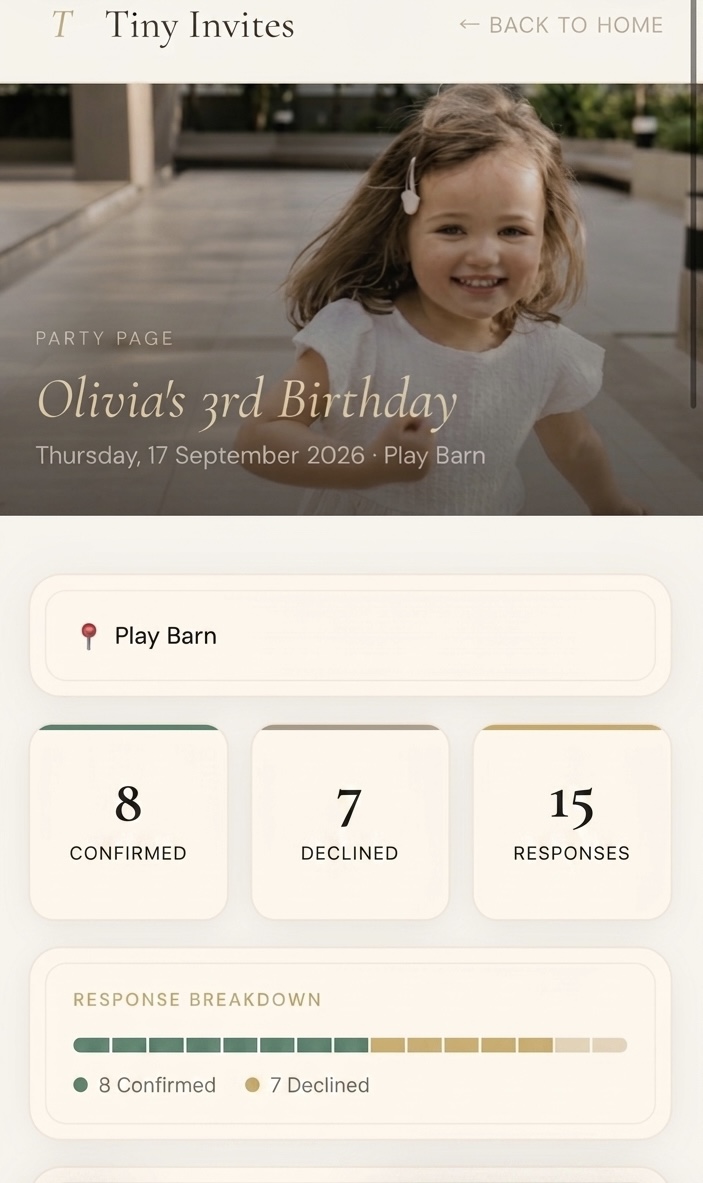
Track RSVPs from your Party Page

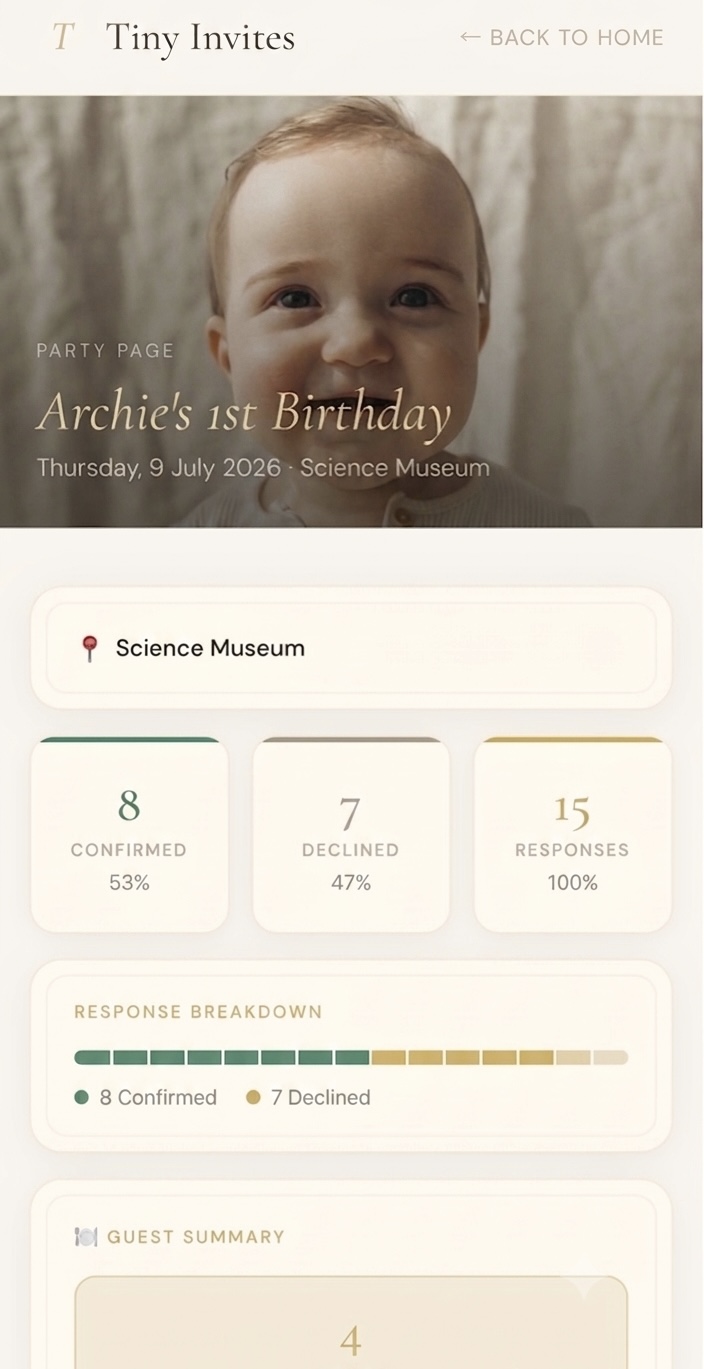
See who's coming in real time. Guest counts, allergies, and dietary needs — all in one place. Guests are reminded 3 days before.

12Coming
3Pending
1Declined

Still not quite sure how it works? ▶ Watch the quick video

01

Create your event RSVP page.

Fill in your party details and see a live preview instantly. Add your email to confirm and publish.

Preview
Your invitation preview will appear here as you type.
📸 Tap to upload or drag & drop JPG · PNG · HEIC · up to 10 MB This is exactly how your photo will appear on the invite ↕

No sign-up required. Free, always. You'll confirm before it goes live.

Everything else your party needs

Everything else your party needs: designs, printing, decorations and supplies, all in one place.

01

Pick a Design & Print

Choose from free ready-made invitation designs or generate a unique one with our AI prompt. Then order professionally printed cards.

Browse invitation designs →Browse print services →
02

Browse the Party Shop

Balloons, tableware, decorations, and gifts, hand-picked across every theme: jungle, unicorn, superhero, princess, dinosaur and more.

Browse party supplies →
02

Supplies & gifts for the perfect party.

Decorations, tableware, party bags, and gift ideas for every age and theme — hand-picked and delivered to your door.

Browse party supplies → Browse gift ideas →

We would love to hear from you.

Have a question about Tiny Invites? Want to suggest a venue or party idea? Drop us a message and we'll get back to you soon.

Party suggestions welcome
Questions about your RSVP page
Ideas and feedback

Thank you. We will be in touch soon.

The whole party, handled.

A group chat, a design tool and a spreadsheet get you part of the way. Tiny Invites does all of it — beautifully — in one calm place.

Tiny Invites WhatsApp Canva Excel
Beautiful invite designs, free
See who's coming, automatically
Automatic reminders 3 days before
Automatic RSVP cut-off & locked guest count
Allergies & dietary needs collected
Message all your guests at once
Share by link or QR code
Edit the details after you've sent it
Find a party venue, too
No app, no account — free forever
Clean, polished, elegant

✓ built in  ·  – possible, but manual  ·  ✗ not really

Kind words

Loved by parents.

Set up in minutes and everything just landed in my inbox. The Party Page showed me exactly who was coming, how many guests, and any allergies.
Emma, London
So clean and quick. I sent one link, guests scanned the QR code, and the responses organised themselves. No group chats, no spreadsheets.
Anna, Birmingham
Everything in one place and it just works. Allergies, numbers, confirmations, all sent straight to my email. Genuinely the easiest party I've planned.
Sophie, Edinburgh

Frequently asked questions

Can I change the photo or date after going live?
No — the photo and party date are locked once your invite is live. If you need to change either, delete the party from the link in your confirmation email and create a new one. It only takes a minute.
Should I print the QR code or share the link?
The link is the most reliable way to share — it works perfectly every time via WhatsApp, text, or email. If you'd like to print the QR code on cards, keep it at least the size of a large postage stamp and place it on a plain, uncluttered background so it scans reliably.
How do I reach my guests in an emergency?
From your Party Page you can message all confirmed guests instantly. If you need their contact details urgently, use the export button on your Party Page to get the full guest list with email addresses sent to your inbox.
Are guests reminded before the party?
Yes. Everyone who RSVPs yes receives an automatic reminder email 3 days before the party. You can also add a personal note to that reminder from your Party Page — something like parking details or what to bring.
Can I lock the guest list so no last-minute changes come in?
Yes. When you create your invite you can set an RSVP cutoff date — by default 8 days before the party, which is when most venues ask for final numbers. After that date, the invite automatically closes and guests see a friendly message letting them know RSVPs are no longer accepted. You'll also receive your final guest list with a CSV file on that day. The cutoff can only be set at creation, not afterwards.
What if a guest changes their mind?
They can reopen the same invite link, enter the same name they used before, and resubmit. Their RSVP updates automatically and you'll get a notification that their response changed. Once the RSVP cutoff date has passed, changes are no longer accepted.
Can I message all my guests at once?
Yes. From your Party Page you can email everyone who's RSVP'd yes — handy if details change, like a venue update or a parking reminder. It goes straight to each guest's inbox.
Can I edit a guest's details if they contact me directly?
Yes. Your Party Page lets you update any guest's name, attendance, or guest count manually — useful when someone messages you instead of using the link.
What if I lose my Party Page link?
Your Party Page link was emailed to you when you created the invite, so check that email to get back in. Keep it safe — it's your private link for managing RSVPs.
It's free — is there a catch?
No catch. If you buy something through our party shop links we may earn a small commission, at no extra cost to you — that's what keeps the site free. We may add the occasional partner promotion over time, but we never sell your data, and guests never see ads on the RSVP page.

Find us on Instagram

Party inspiration, daily.

Ideas, themes, and behind-the-scenes moments from Tiny Invites. Follow along and tag us in your parties — we love to see them.

Tiny Invites Instagram post

Planning a kids' party should feel exciting, not stressful. That's why we built Tiny Invites ✨

Tiny Invites Instagram post

Still waiting for Sharon to reply to the WhatsApp group... 😅 There's a better way — link in bio.

Tiny Invites Instagram post

Your party page is live in under 2 minutes 🎂 No app downloads. No account setup faff.

@tiny_invites Follow us Party inspiration, real stories & behind-the-scenes moments